Finding Anything with Global Search
Find records and start common tasks from anywhere in Photeria with Global Search.
Written By David Dayan
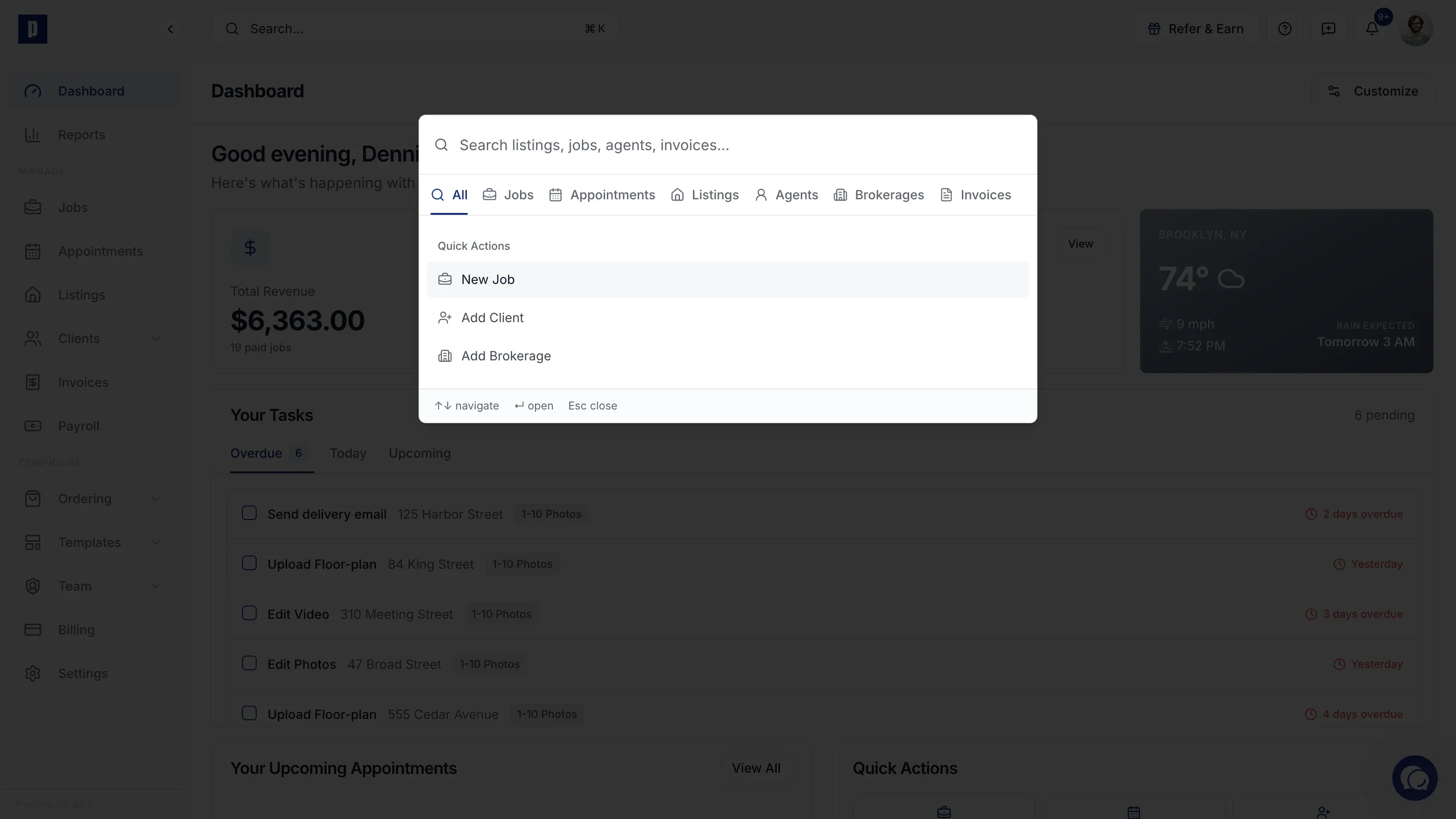
Global search helps you open records and start common tasks without leaving your current page.
Open global search
Click the search bar at the top of Photeria. You can also press ⌘K on a Mac or Ctrl+K on Windows.
Find a record
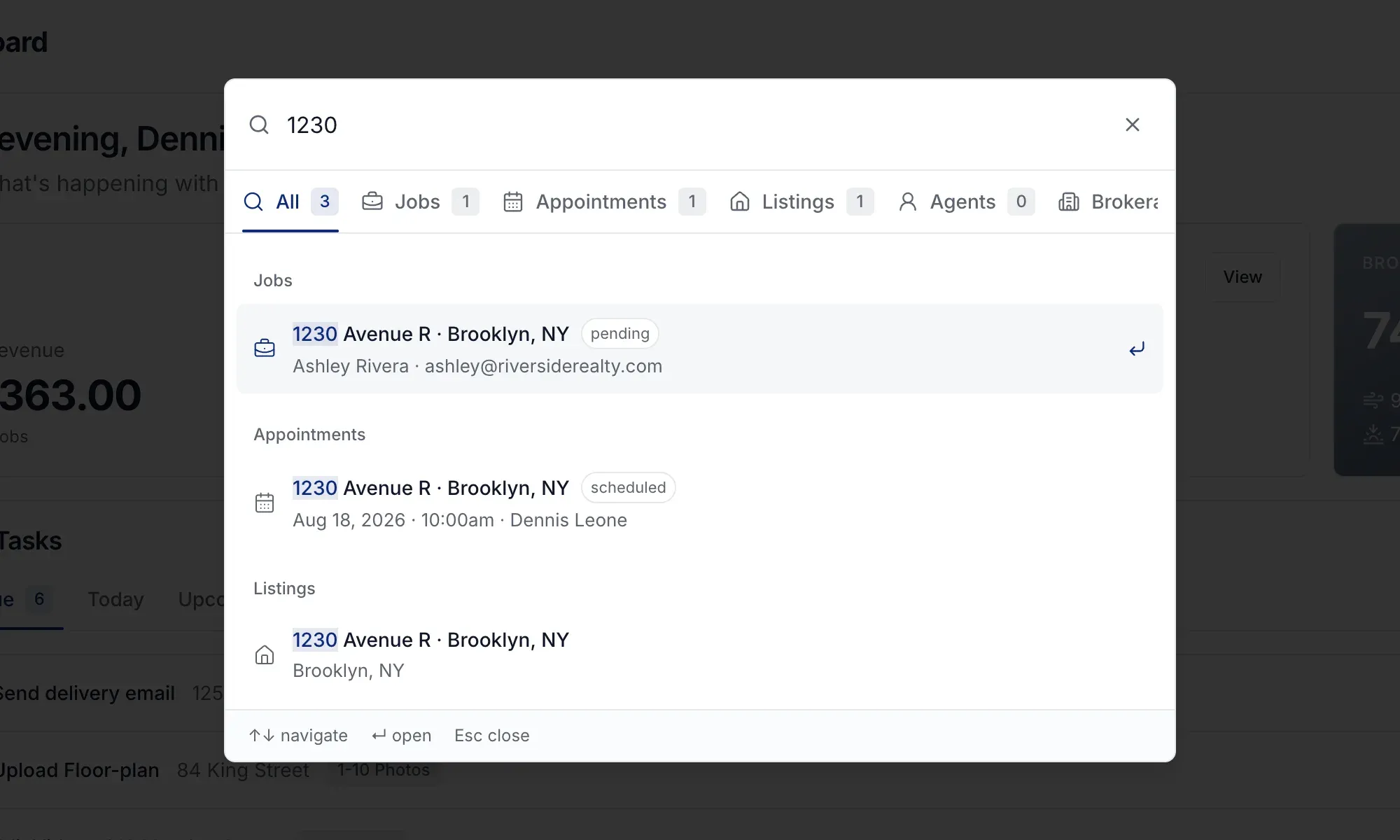
Search by an address, client, agent, brokerage, invoice, appointment, or team member. Select a result to open it.
Use the category tabs when you only want to see one type of result. Global search can also find a job from the client's email, even when that email is not shown in the result.
Start a task from anywhere
Use Quick Actions to start a New Job, add a client, or add a brokerage without navigating away first.