Creating Marketing Materials
Agents create professional marketing materials (flyers, social posts, brochures, and more) for their listings from pre-built templates, then customize them in a built-in design editor. Most of the work is already done: when you start from a template, your listing's data fills in
Written By David Dayan
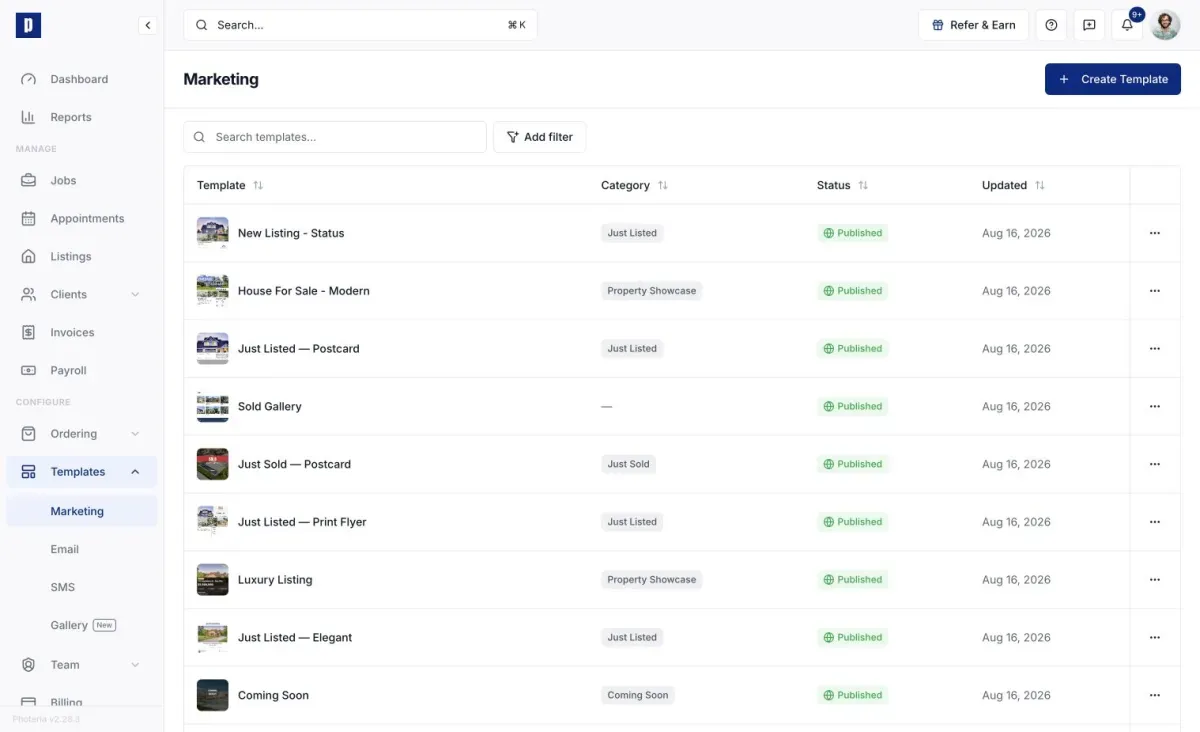
Agents create professional marketing materials (flyers, social posts, brochures, and more) for their listings from pre-built templates, then customize them in a built-in design editor. Most of the work is already done: when you start from a template, your listing's data fills in automatically.
Getting to Marketing
From the client portal, open Listings, then either click the marketing icon on a listing card or open the listing and go to its Marketing section.
Starting a design
Templates are grouped by category (Instagram, Facebook, YouTube, LinkedIn, Print) and can be still images or short videos. Your photography company publishes them, so only published ones appear.
- From a template - click a template and the editor opens with your listing's data already populated: address, price, photos, agent info, and brokerage details. This is the fast path to a finished design.
- From scratch - use Create Blank at the end of a category to open an empty canvas at that category's size.
Your saved designs appear in Your Designs at the top of the page, where you can reopen, download, or delete them.
The design editor
Add and style text, drop in listing photos or your own uploads, and add shapes, icons, or QR codes (for example a code linking to the property website). Select any element to move, resize, or restyle it. The background, layers, and canvas size are all editable.
Designs save automatically as you edit, so there's no manual save.
Video designs
A video design has a timeline of slides. Play it to preview, add or reorder slides, drag a slide's edge to change how long it shows, and set transitions between slides (Fade, Dissolve, Slide, Zoom, and more).
Downloading
Download from the editor or straight from a design's card.
- Images - choose PNG (best quality), JPG (smaller, best for sharing), or PDF (best for print, with Standard or Print quality). Set the output resolution up to 3x the canvas size, and pick which pages to include for multi-page designs.
- Videos - download as MP4, choosing a resolution (up to 4K, depending on the design's size) and quality.
Why templates save you time
Templates carry dynamic data fields (address, price, agent and brokerage info, photos) that resolve automatically from your listing when you create a design. That means most designs are ready to share with little or no editing.