Roles and Permissions
Roles control what each team member can see and do. Rather than configure permissions person by person, you build roles with the right permissions and assign them. Find them under Team → Roles.
Written By David Dayan
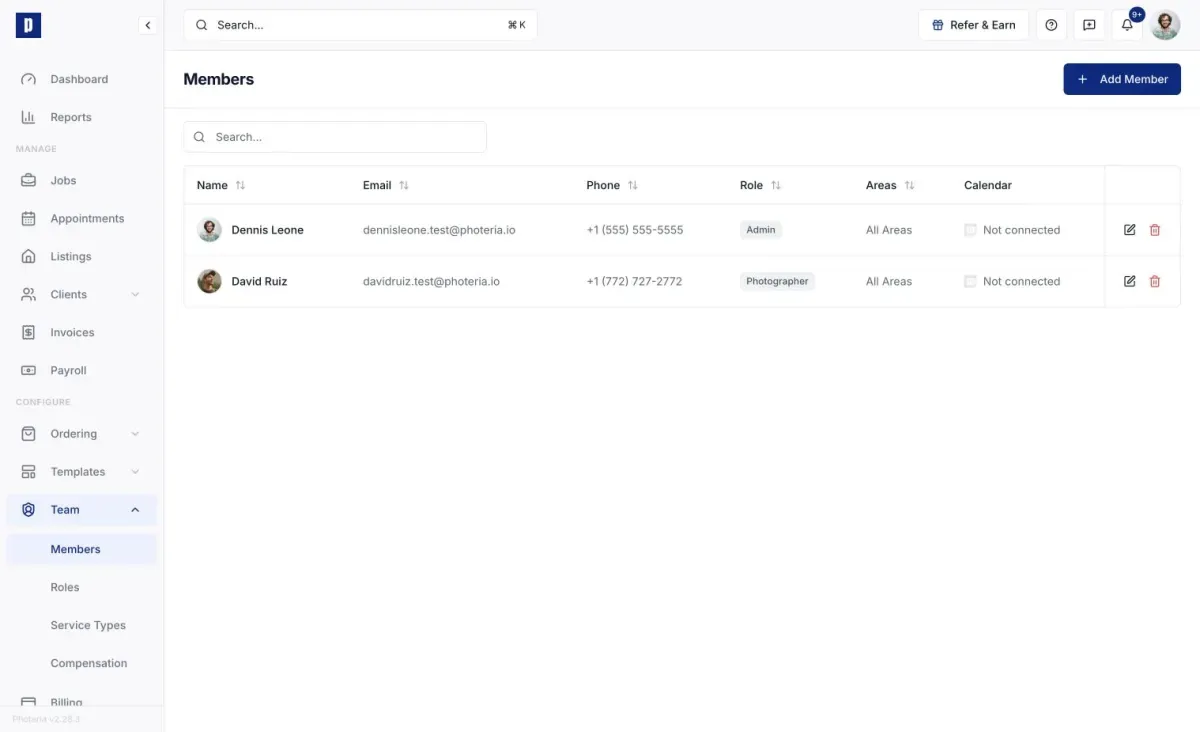
Roles control what each team member can see and do. Rather than configure permissions person by person, you build roles with the right permissions and assign them. Find them under Team → Roles.
System roles are built in and can't be edited or deleted. Custom roles are yours to change freely.
Creating and editing roles
Click Add Role, name it (names must be unique in your org), then expand the permission categories and check what the role should allow. Check a whole category to grant everything in it, or expand it for individual permissions. Edit a role the same way later from its row.
You can't strip admin access from your own role, so you can't lock yourself out.
To delete a role, use its trash icon. If members are still assigned, deletion is blocked until you move them to another role.
Permission categories
Permissions are grouped by area of the app:
- Listings - view all or only assigned, update, delete.
- Jobs - view all or only assigned, create, update, delete, assign photographers.
- Clients - view, create, manage, and impersonate (log in as) agents.
- Invoices - view, and manage (edit line items, record payments, send).
- Payroll - view earnings and runs, or manage (adjustments and payouts). See Payroll.
- Services - view and manage the ordering catalog (Services, Packages, Questions, Order Forms, Catalogs, Coupons).
- Team - view members, invite and manage them, manage Service Types.
- Roles - view roles, or manage them.
- Billing - view the Billing page, or manage the payment method.
- Settings - view and manage organization settings.
- Tasks - manage templates, complete your own tasks, or complete all. See Task Management.
- Marketing - view and manage marketing materials and email/SMS templates.
- Reports - view the Reports page.
Assigning roles
Set a role when you invite someone, or change it later by editing the member. See Managing Team Members.
Permissions
- Roles: Read - view the Roles page.
- Roles: Manage - create, edit, and delete roles.