Managing account managers
An account manager is someone you invite to help run your account, such as an assistant or a transaction coordinator. Once they accept, they can view your listings, download media, and place orders on your behalf, all without needing your login. Anything they do appears as if
Written By David Dayan
Invite an assistant or transaction coordinator to manage your account using their own login. Once they accept, they can view your listings, download media, and place orders on your behalf.
Invite an account manager
In the client portal, open your profile menu and select Settings.
Open Account Managers and select Invite.
Enter their Email Address, then select Send Invite.
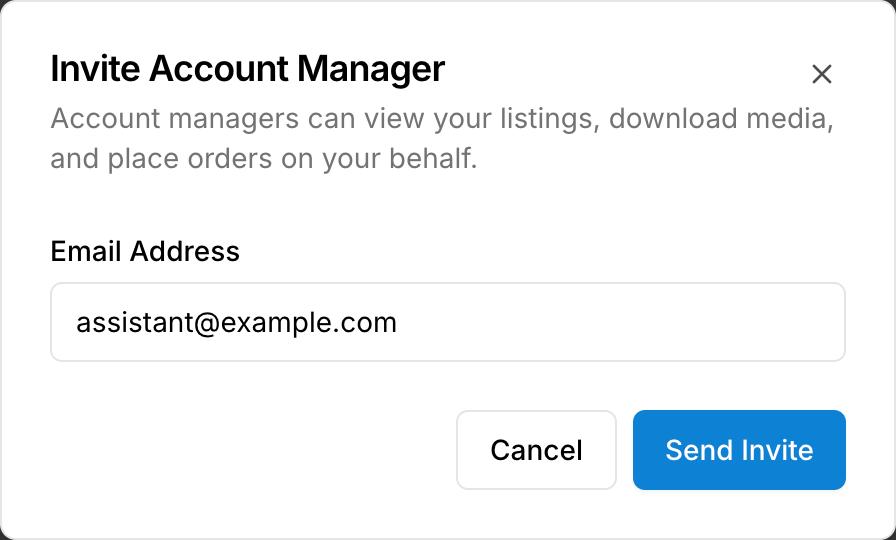
The invitation stays Pending until they accept the setup link in their email. Use Resend if they need another copy. After they accept, their status changes to Active.
Work with several accounts
Account managers can help more than one agent. They choose the account to work in from Managed Accounts after signing in and can return there to switch accounts.
Remove access
Under Settings → Account Managers, select the X beside the person, then Revoke Access. They lose access to your account. You can invite them again later.
Was this helpful?
Still need help? Share an idea