Connecting Bright MLS
Connect Bright MLS and choose which listing media and links to send.
Written By David Dayan
Connect your Bright MLS Media Sync account so agents can send delivered media from Photeria to their Bright listings. The agent chooses what to send in Photeria and finishes the import in Bright MLS.
Connect your business
You need Settings: Manage permission and your business's Bright MLS Media Sync credentials.
Get your Customer ID and API key from the Bright MLS Media Sync developer tools.
In Photeria, open Settings → Integrations.
Under Bright MLS, select Connect Bright MLS.
Enter the credentials and select Connect.
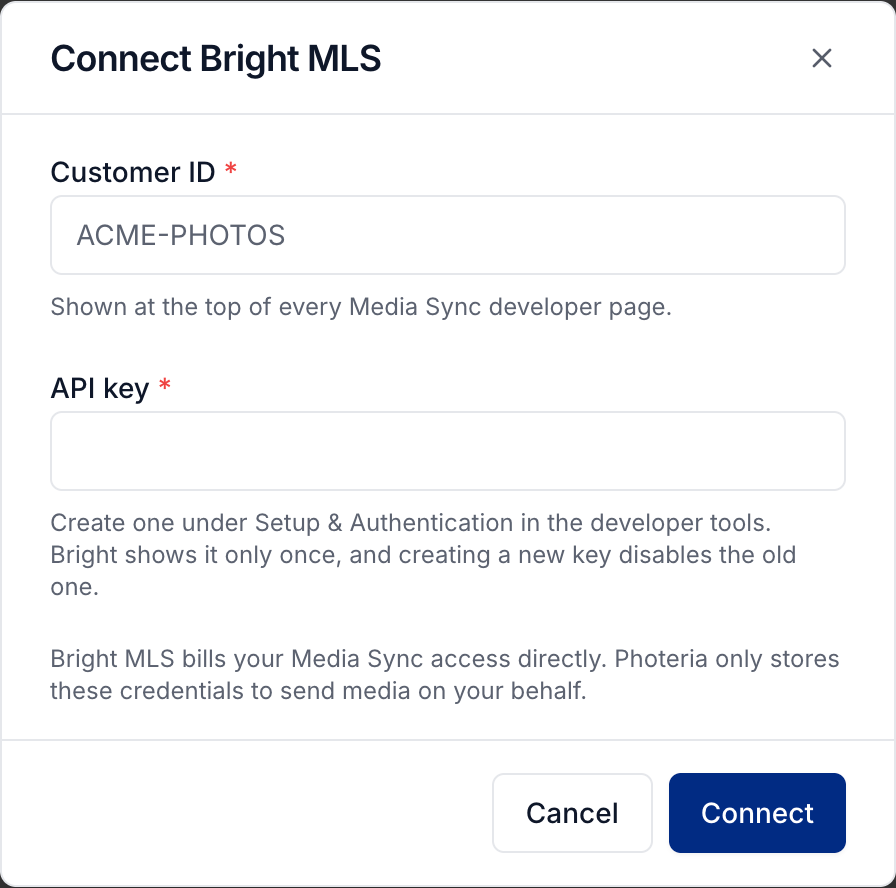
If you replace your API key in Bright, return to this card and select Update credentials to save the new key in Photeria.
Help your agents import their media
Once your connection is ready, agents can sync unlocked media from their listing's Media page. Share Sending your listing media to Bright MLS for the client steps.
Prepare unbranded media for MLS delivery and finish uploading and processing videos before the agent starts the sync.
Was this helpful?
Still need help? Share an idea