Adding your terms of service
Add the terms clients must accept before placing an order.
Written By David Dayan
Add the terms clients must accept before placing an order. You can cover photo usage, payment, cancellations, and delivery in Settings → Client portal.
Add or update your terms
Open Settings → Client portal.
Write or paste your terms into Terms of Service. Use plain text.
Select Save.
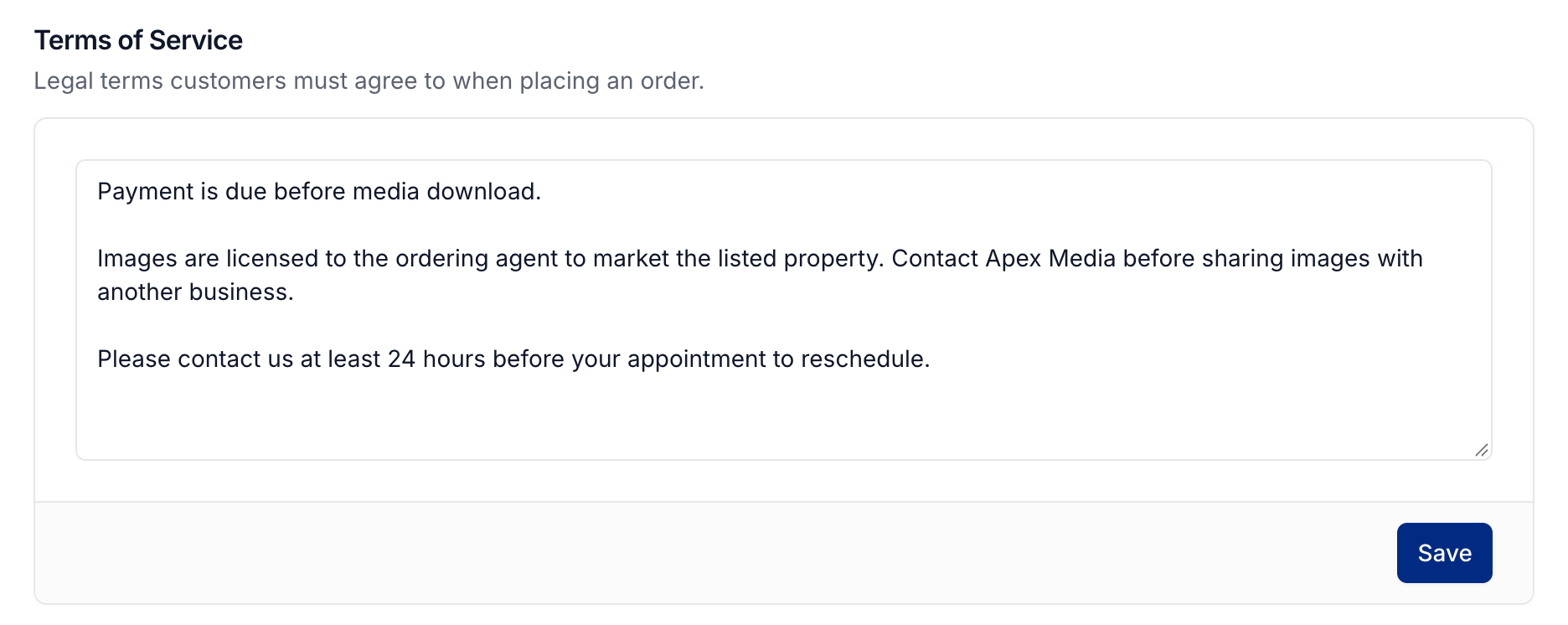
Clients must accept these terms at checkout. If you leave the field blank, checkout does not show a terms agreement.
Was this helpful?
Still need help? Share an idea