Managing Service Types
Service Types categorize what each team member can do: Photography, Videography, Drone, Virtual Staging, and so on. (Previously called "Skills".) They're what Photeria uses to figure out who's qualified to shoot a job.
Written By David Dayan
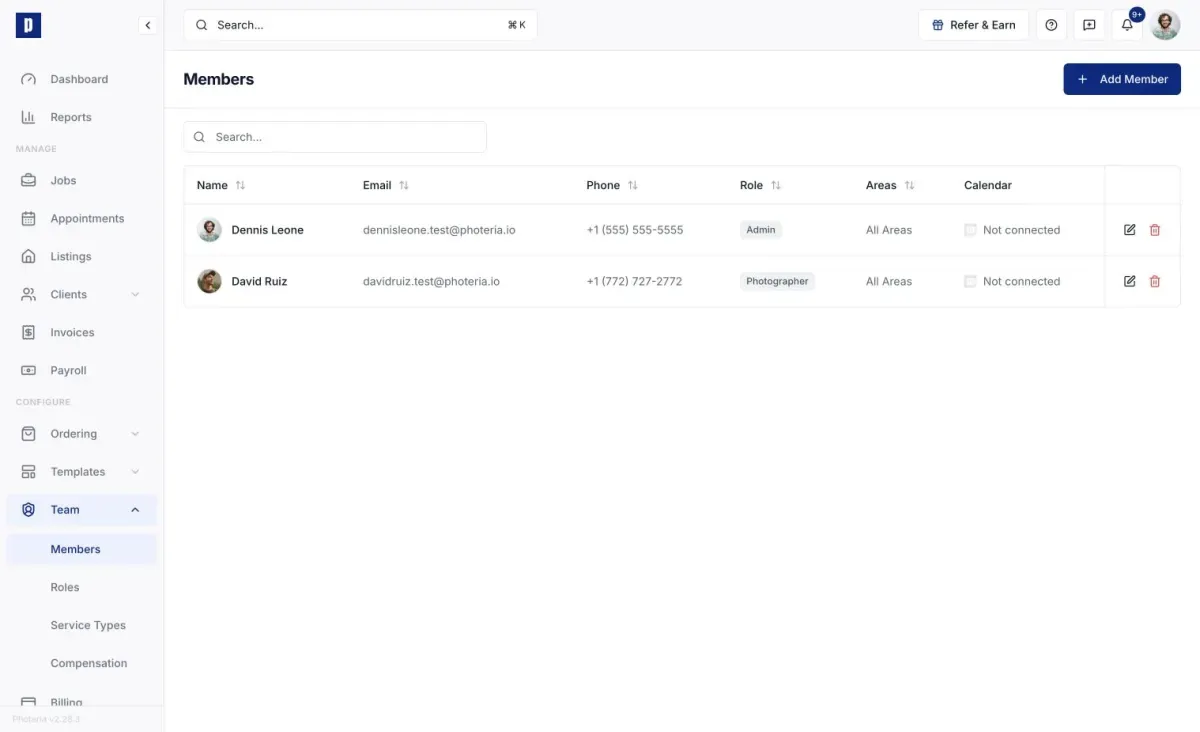
Service Types categorize what each team member can do: Photography, Videography, Drone, Virtual Staging, and so on. (Previously called "Skills".) They're what Photeria uses to figure out who's qualified to shoot a job.
The link runs in two directions: you tag each service with a Service Type, and you assign Service Types to each team member. When a job needs a service, only members with the matching type are offered.
Creating one
Go to Team → Service Types, click Add Service Type, name it (for example "Drone" or "Virtual Staging"), and create it. It's available to assign immediately.
To delete a type, click the trash icon and confirm. It's removed from every member and service that used it. System types can't be deleted.
Assigning Service Types
- To a team member - on Team → Members, edit the member and toggle their Service Types.
- To a service - on Ordering → Services, open a service and pick its Service Type from the dropdown.
A member can hold many types, and a type can sit on many members.
Why it matters
Service Types keep the right people matched to the right jobs, both when you assign photographers yourself and when a client picks a slot on the order form. A member missing the required type won't be offered for that work.
Permissions
- Team: Manage - create, rename, delete, and assign Service Types to members.
- Services: Manage - assign types to services.