Managing service types
Service Types categorize what each team member can do: Photography, Videography, Drone, Virtual Staging, and so on. (Previously called "Skills".) They're what Photeria uses to figure out who's qualified to shoot a job.
Written By David Dayan
Service types describe the work a team member can perform, such as photography, video, or drone photography. Assign the same type to a service and the team members who can provide it so Photeria can offer qualified photographers when scheduling.
Add a service type
Open Team → Service Types.
Select Add Service Type.
Enter a name and select Create Service Type.
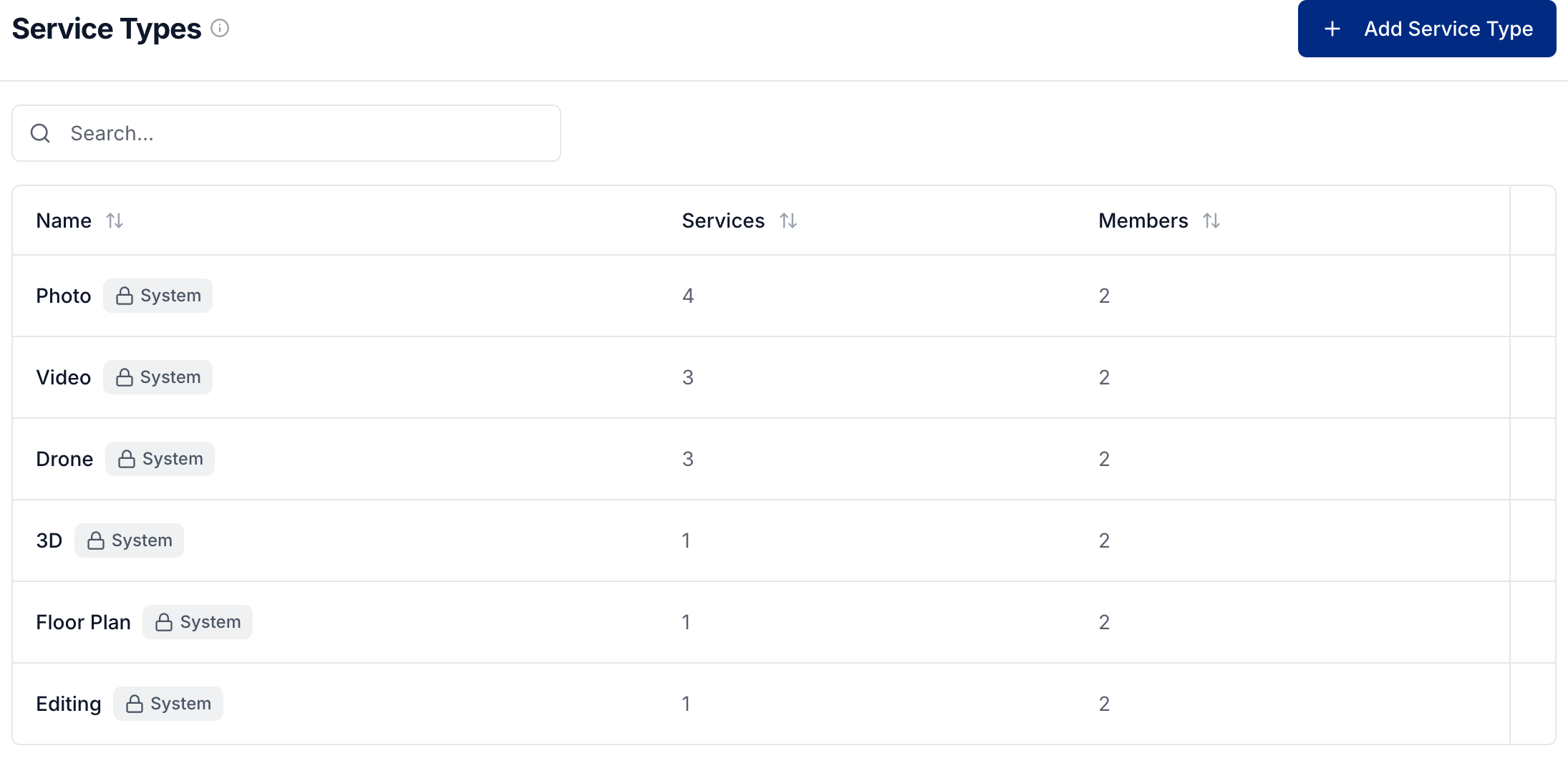
Built-in system types cannot be deleted. To remove a custom type, use its delete action. It is also removed from the team members who had it assigned.
Assign work to qualified team members
Open Team → Members and select a member's name.
Expand Service Types on their profile.
Select the types of work they can do and select Save Changes.
A team member can have several service types. To classify the work itself, open the service under Ordering → Services and choose its Service Type.
You need Team: Manage to create service types and assign them to members, and Services: Manage to change a service's type.
Was this helpful?
Still need help? Share an idea