Managing your billing payment method
Add or replace the card Photeria uses for your monthly platform invoices.
Written By David Dayan
Add or replace the card Photeria uses for your monthly platform invoices. You need Billing: Manage permission to change it.
Add or change your card
Open Settings → Billing.
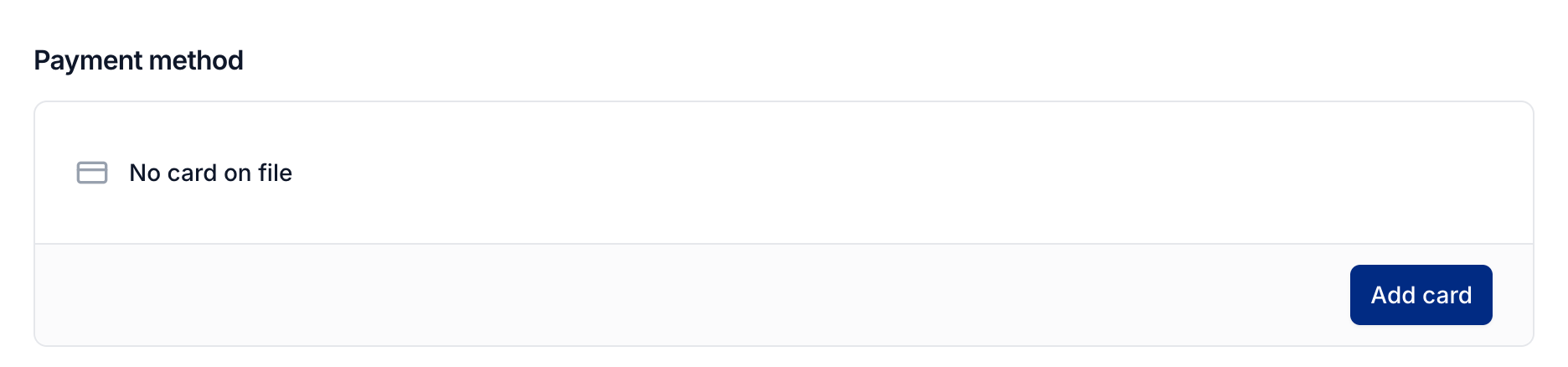
Under Payment method, select Add card or Change card.
Enter your card details and select Save card.
The new card replaces your previous card. If you have unpaid platform invoices, Photeria tries the new card against the open balance. An account suspended for nonpayment regains access after that balance is paid.
See Viewing and paying platform invoices if an invoice still needs attention.
Was this helpful?
Still need help? Share an idea