How Photeria billing works
Use Settings → Billing to review what your business pays Photeria for listings and optional add-ons.
Written By David Dayan
Use Settings → Billing to review what your business pays Photeria for listings and optional add-ons. These charges are separate from the invoices you send your clients.
You need Billing: Read permission to open this page.
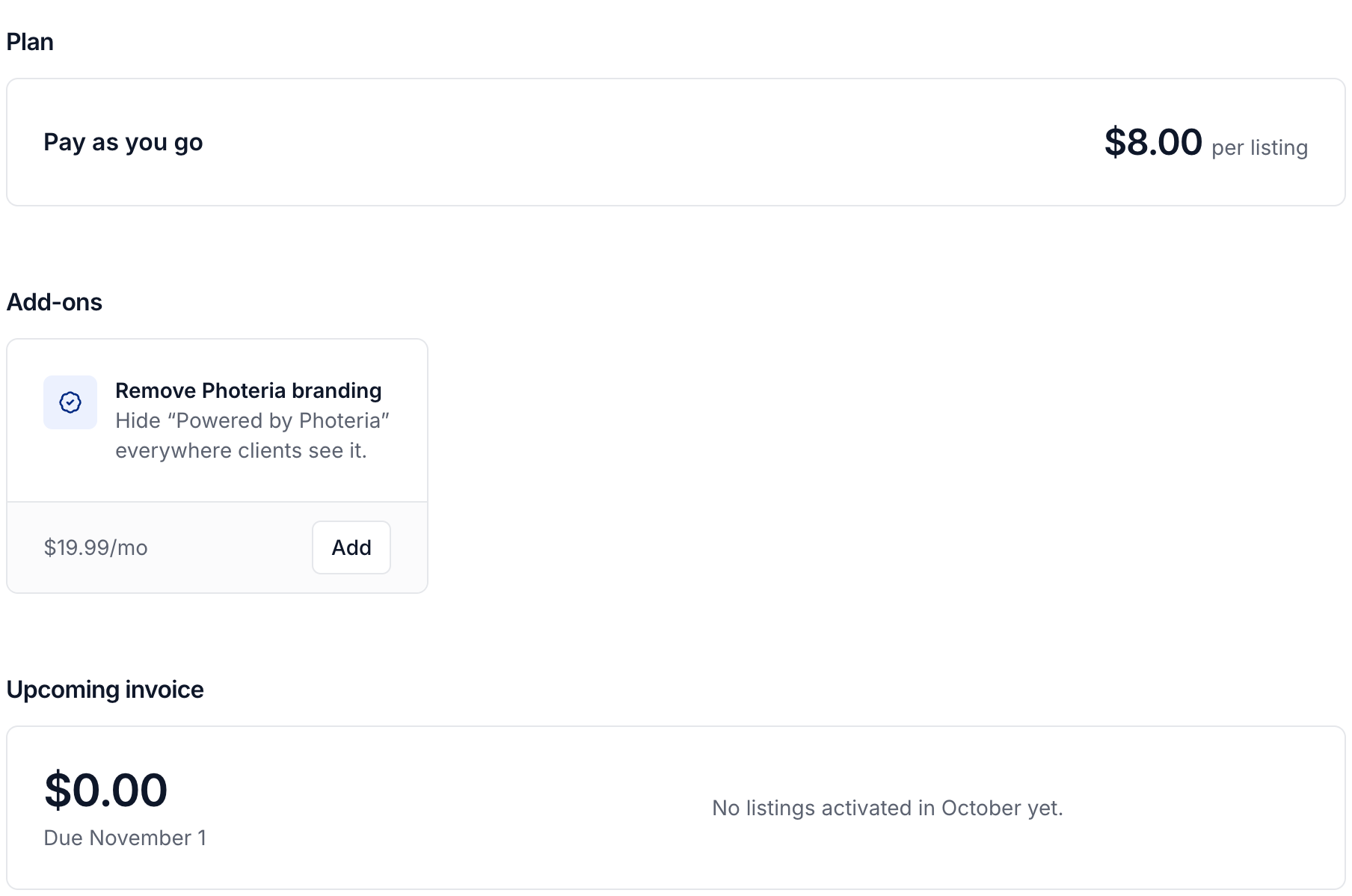
Listing charges and credits
Photeria records a platform charge when a listing is activated. Your plan shows your organization's rate. An available listing credit covers one activation and applies automatically before a charge is added.
Open Upcoming invoice to check the current month's charges. Expand Listings to see how many were covered by credits, and select View listings to review the individual charges.
See Using Photeria credits for details.
Monthly billing
At the beginning of each month, Photeria invoices the previous month's billable listings and charges your saved card automatically. Platform charges are in USD.
Add or change your payment method, or review and pay platform invoices.
Optional add-ons
Add-ons have their own monthly prices under Settings → Billing → Add-ons. Before paying, review the amount due today and the renewal price. A new add-on is charged for the remaining part of the current month, then renews on the first of each month.
Select Remove on an active add-on to stop its renewal. It stays available through the end of the month you paid for. Select Keep before it ends to continue the subscription.
You need Billing: Manage permission to buy an add-on or change its renewal.
Was this helpful?
Still need help? Share an idea